Aug 02, 2026
August 02, 2026
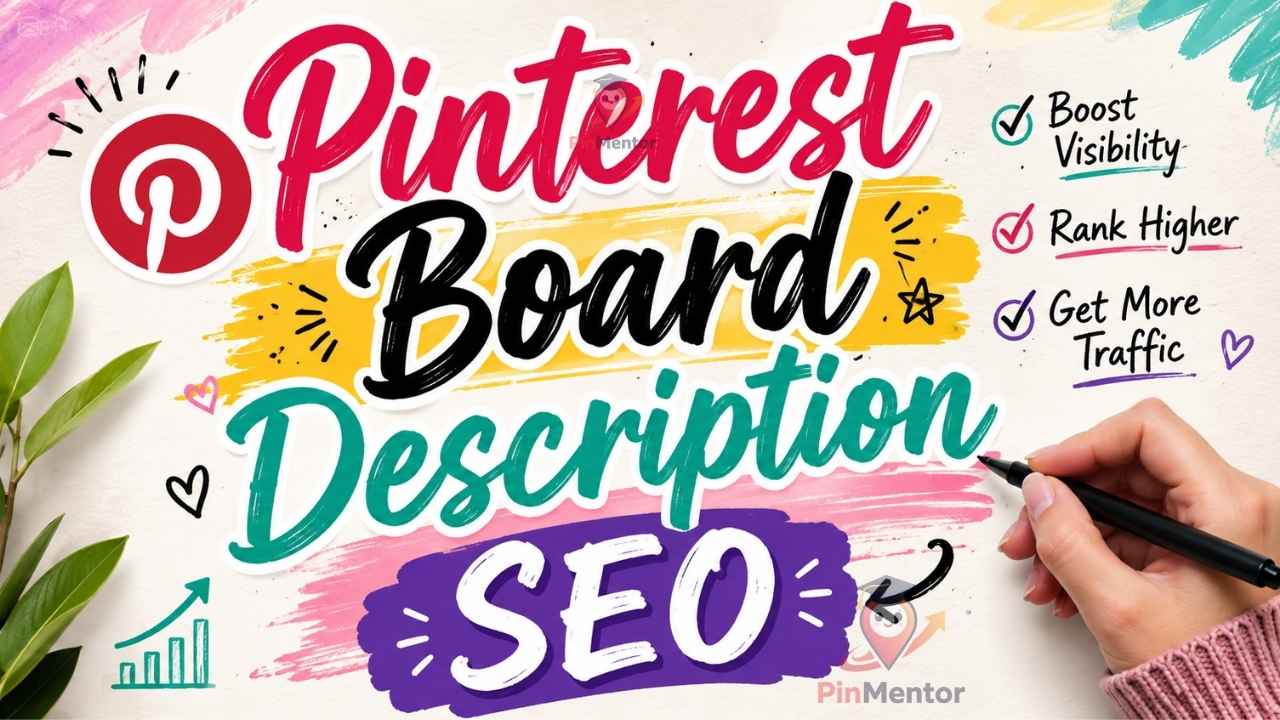
If you've optimized your pin titles, descriptions, and images but your account still isn't getting the search traffic you expected, there's a good chance you're overlooking one of the most underrated ranking signals on the entire platform: your board descriptions.
Most creators treat boards as simple folders — a place to dump related pins. But Pinterest doesn't see them that way. To Pinterest's algorithm, a board is a topical container. It tells the platform what an entire collection of pins is about, and that context flows down to every single pin inside it. A weak or missing board description doesn't just fail to help — it can actively hold back pins that would otherwise rank well.
This guide breaks down exactly how board description SEO works, with 11 concrete tips you can apply today, plus real before-and-after examples.
Pinterest is a visual search engine, not a social feed. When someone searches "easy meal prep ideas," Pinterest's ranking system looks at multiple layers of context to decide what to show:
The pin's own title and description
The image and any text overlay (Pinterest can read text in images)
The board the pin lives on — its title and description
The account's overall topical focus
That third layer is where most creators leave value on the table. A pin about "high-protein lunch ideas" pinned to a board simply titled "Food" with no description gives Pinterest far less to work with than the same pin on a board titled "High-Protein Meal Prep for Busy Weeks" with a keyword-rich description underneath it.
In short: your board description is doing SEO work for every pin inside it, all the time, without you lifting a finger after you write it once. That's a rare kind of leverage in content marketing — one piece of writing that compounds across dozens or hundreds of pins.
A weak board description looks like this:
"Recipes I like."
A strong one looks like this:
"Quick, high-protein meal prep recipes for busy weekdays — easy lunches, freezer-friendly dinners, and low-carb ideas you can prep in under 30 minutes."
The second version reads naturally, but it's doing serious SEO work: it front-loads the primary keyword phrase ("meal prep recipes"), then layers in secondary long-tail phrases a real searcher might type ("easy lunches," "freezer-friendly dinners," "low-carb ideas").
Think of your board description as a 150–500 character landing page. It should tell both Pinterest and a human exactly what they'll find inside.
Pinterest, like most search systems, appears to weight earlier terms more heavily. If your target keyword shows up in sentence three of a long description, you're diluting its impact.
Structure your opening sentence around the exact phrase you want the board to rank for. If the board is about "budget travel tips," don't open with "Here's a collection of things I've saved over the years." Open with "Budget travel tips for exploring more while spending less."
A common mistake is stuffing the same keyword three or four times, hoping it strengthens relevance. It doesn't — and it reads badly to actual users, which hurts saves and click-through, which does hurt rankings indirectly.
Instead, use natural variations of your core topic:
"Home organization ideas for small spaces — closet organization, kitchen storage hacks, and decluttering tips for apartments and tiny homes."
Notice how "organization" appears once, but the description covers closet organization, kitchen storage, decluttering, apartments, and tiny homes — five distinct long-tail phrases a searcher might use, all woven in naturally.
Before you touch the description, make sure the board title itself is doing its job. "My Favorites" or "Inspo" tell Pinterest nothing. Use Pinterest's own search bar: type your general topic and look at the autocomplete suggestions and related searches at the top of the results page. Those are real phrases people search for. Build your board title around one of them.
Compare:
Weak: "Kitchen Stuff"
Strong: "Small Kitchen Organization Ideas"
The second title alone gives Pinterest a clear topical anchor before the description even loads.
Too short (under 100 characters) and you're leaving keyword opportunity on the table. Too long (over 500) and you risk sounding stuffed, plus Pinterest truncates longer descriptions in some views, so your strongest points may get cut off.
A tight, well-structured 2–3 sentence description in the 150–500 character range tends to perform best: enough room for a primary phrase plus 2–3 natural variations, without tipping into spam territory.
If a board evolves — say, a "Home Decor" board that started as living rooms but now includes a growing collection of bedroom and bathroom pins — update the description to reflect that. An outdated description undersells what's actually inside the board, and Pinterest's relevance matching works off what you tell it, not just what it infers from the pins alone.
Set a quarterly reminder to review your top 10 boards and refresh descriptions as your content mix shifts.
Phrases like "check out this awesome board" or "so many great ideas here" take up character space without adding any topical signal. Every sentence in your description should either contain a keyword phrase or clarify who the board is for. If a sentence does neither, cut it.
If a board covers multiple related sub-topics, put the highest-priority, highest-search-volume topic first. Pinterest and human readers both scan left to right, top to bottom — the first phrase you use sets the frame for everything that follows.
It's tempting to only optimize your public, high-traffic boards. But if you use group boards or plan to make a currently-secret board public later, write the description with SEO in mind from the start. Retrofitting descriptions across dozens of boards later is far more time-consuming than doing it once, correctly, up front.
Your board description and your individual pin descriptions shouldn't just avoid contradicting each other — they should reinforce the same core phrases. If your board description emphasizes "budget travel tips" but every pin description talks about "luxury getaways," you're sending mixed relevance signals that can confuse how Pinterest categorizes the board overall.
SEO isn't a one-time task. Check your board-level analytics every 60–90 days. If a board's impressions are flat or declining despite fresh pins, revisit the description first — it's often the fastest fix, since it applies retroactively to every pin already on the board without requiring you to redesign anything.
Before:
Board title: "Fitness" Description: "Workouts and stuff I want to try."
After:
Board title: "Home Workouts for Beginners" Description: "Beginner-friendly home workouts — no-equipment strength training, quick 20-minute cardio routines, and low-impact exercises for building consistency without a gym membership."
The "after" version gives Pinterest five distinct, searchable phrases (home workouts, beginner-friendly, no-equipment strength training, cardio routines, low-impact exercises) instead of zero. Every pin already sitting on that board benefits immediately — no redesigns, no rescheduling, just better context.
Copy-pasting the same description across multiple boards. Each board needs its own distinct topical focus; duplicating text confuses relevance signals rather than reinforcing them.
Writing for Pinterest and ignoring the human reader. A description packed with keywords but no natural flow will still hurt saves and clicks, which matters just as much as pure keyword matching.
Leaving default or blank descriptions. An empty description is a missed opportunity on every single pin inside that board.
Optimizing once and never revisiting. Search behavior shifts seasonally and year over year; a description written two years ago may be missing phrases people search for today.
How long should a Pinterest board description be? Aim for 150–500 characters. That's roughly 2–3 sentences — enough space to include a primary keyword phrase plus 2–4 natural long-tail variations, without sounding stuffed or triggering Pinterest's truncation in certain views.
Do board descriptions actually affect pin rankings, or just board-level search? Both. Pinterest uses board context as one of several relevance signals when deciding how to rank individual pins in search, not just when someone searches for boards directly. A well-optimized board description can lift the visibility of every pin inside it, including pins that were added before the description was written.
Should I rewrite descriptions on old, inactive boards? Yes, especially if those boards still receive impressions. An outdated or missing description on an older board is often the single fastest fix available, since it requires no new content — you're simply giving Pinterest better context for pins that already exist.
Can I use hashtags in board descriptions? Hashtags carry far less weight in board descriptions than in individual pin descriptions, and in some cases they add clutter without adding relevance. It's generally more effective to spend that character space on natural keyword phrases instead.
How often should I update board descriptions? Every 60–90 days for your top-performing boards, or any time the mix of content on a board shifts meaningfully — for example, if a "Home Decor" board grows to include a new sub-topic like "small apartment decor" that isn't reflected in the current description.
Board description SEO is one of the highest-leverage, lowest-effort improvements available on Pinterest. Unlike redesigning pins or producing new content, refreshing a board description takes minutes and immediately applies to every pin already inside it — old and new.
Start with your five highest-traffic boards. Rewrite each description using the structure above: lead with your primary keyword phrase, layer in 2–4 natural long-tail variations, keep it between 150–500 characters, and cut any filler. Then move on to the rest of your account over the following weeks.
Want to keep every board fresh without doing this manually every month? PinMentor helps you plan pin content around the keywords that matter, so your boards and pins stay aligned and search-ready. Start your free 30-day trial →

PinMentor helps you analyze, optimize, and scale your Pinterest strategy with powerful analytics and insights.


@ PinMentor LLC. All Rights Reserved